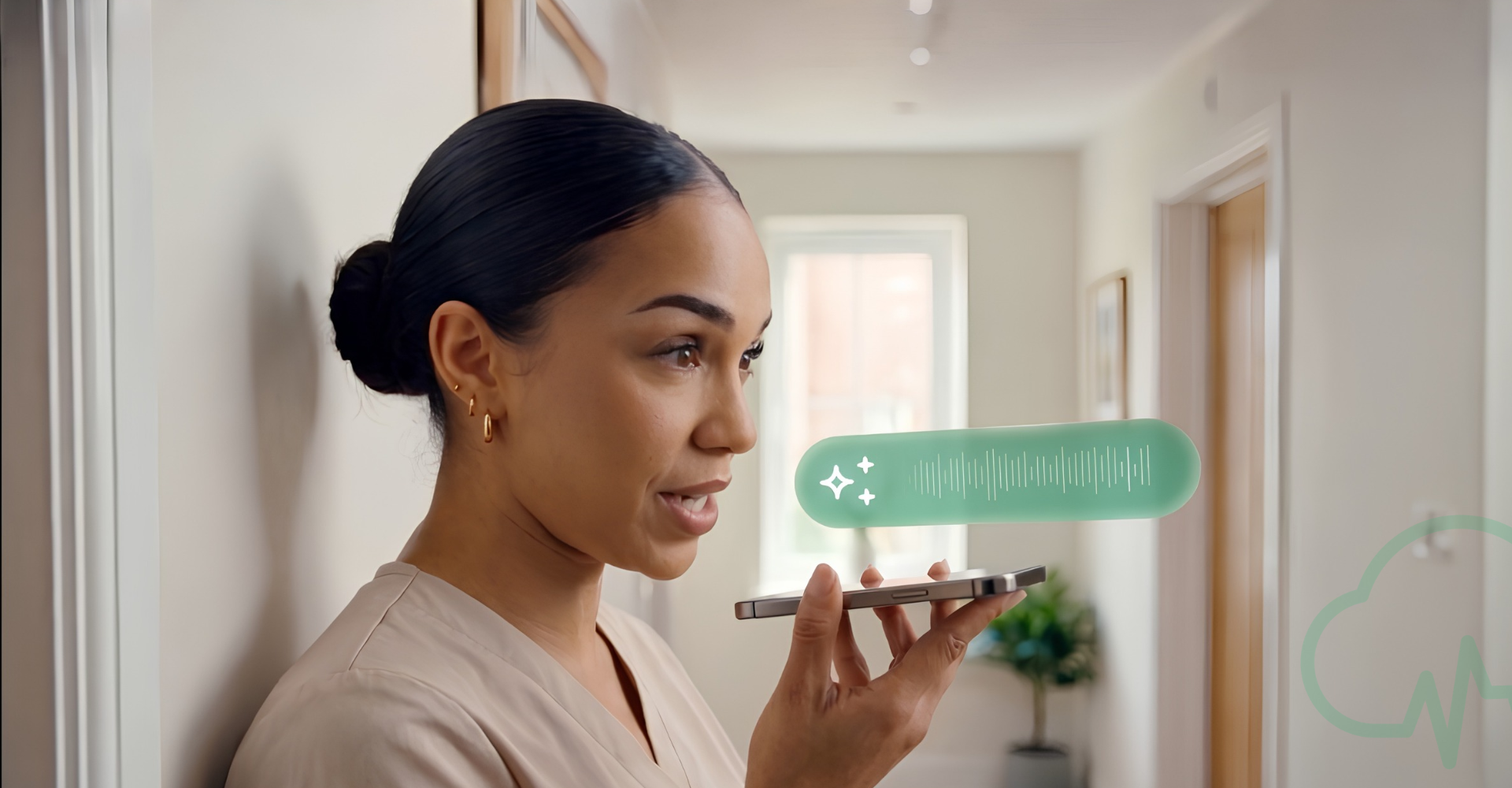
Voice charting is becoming standard in assisted living software, but turning speech into text is only the first step. In Synkwise, you can also capture vitals, clarify wording, translate, and use SOAP formatting, all within the same note you just made with your voice. You review every change before it saves.
Voice to text gets the words down. Synkwise helps turn them into a note your whole team can use.
What is voice charting in assisted living?
Voice charting means documenting care by speaking instead of typing. It sounds like a small change, but on a busy shift, details fade by the time someone sits down to type. Speaking lets caregivers capture the moment while it’s still fresh.
How does voice charting work in Synkwise?
- Open a progress note, select Dictate, and speak naturally.
- If you mention vitals, check Capture vitals with Synkwise AI.
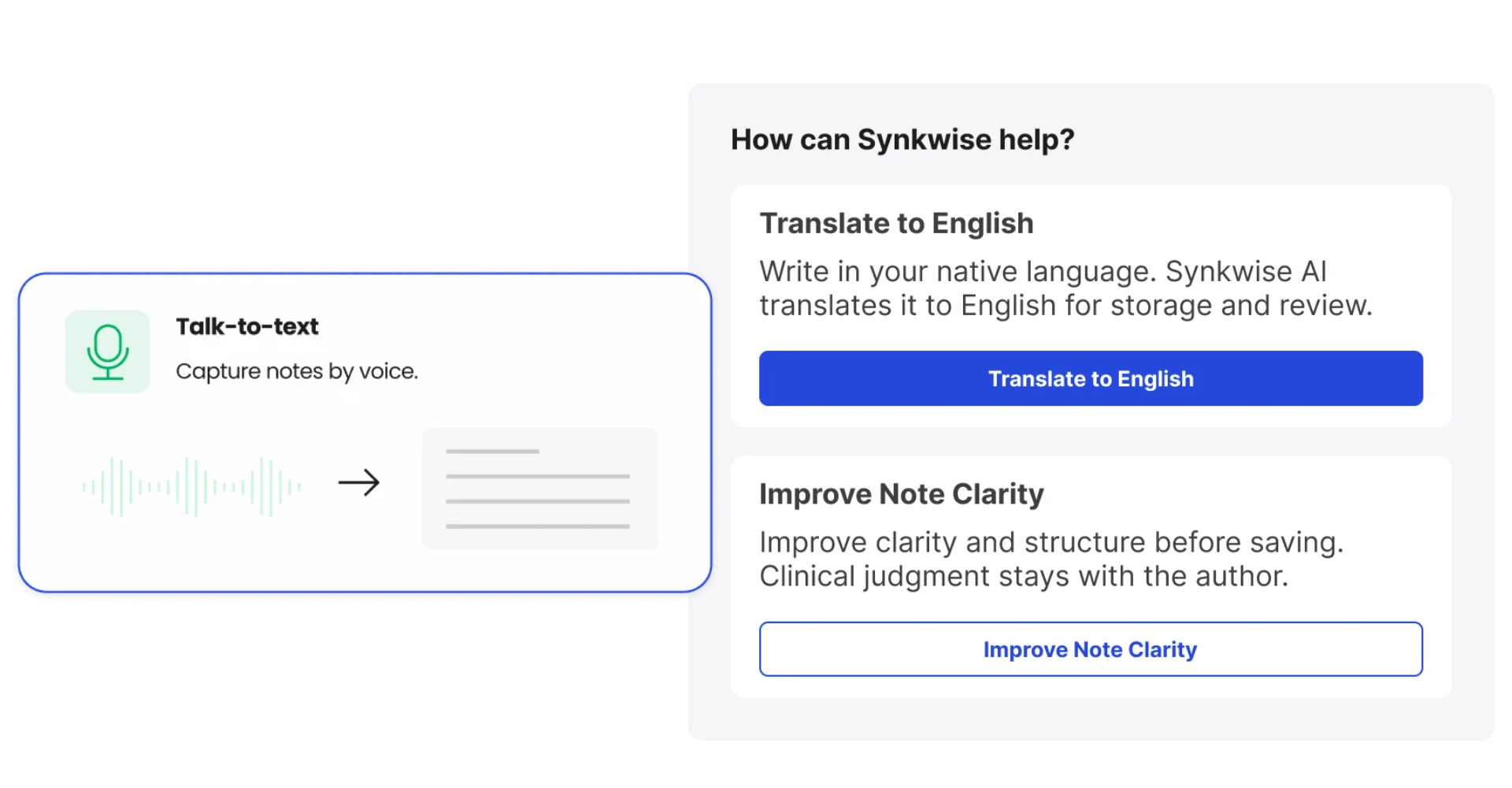
- Select AI Assist, then choose Clarity, Translate, or SOAP.
- Compare your note with the suggestion side by side. Apply it, review it, and save.
Capture vitals
Vitals often come up mid sentence: “Blood pressure was 132 over 84, pulse 78.” Synkwise AI pulls them from your note, so they don’t get buried in a paragraph. Those vitals then flow into health monitoring, and if a vital is linked to a medication, it shows up there too.
Clarity
Spoken notes are honest, but they’re often casual. Clarity rewrites them in objective, professional language, using only what’s already in your note. It also helps with spelling and grammar, so you can focus on what happened instead of how to write it.
Translate
Many caregivers think in one language and chart in another. KFF reports that immigrants make up 30% of direct care workers, compared with 18% of all U.S. workers. Translate lets caregivers write in the language they know best, and the whole team reads the note in English.
Caregiver writes: “Comió la mitad de su almuerzo. Dijo que no tenía hambre. Necesitó ayuda para levantarse de la silla.”
Translate suggests: “Ate half of her lunch. Said she wasn’t hungry. Needed help getting up from her chair.”
SOAP
SOAP (Subjective, Objective, Assessment, Plan) organizes the note so the next shift can find what matters fast. For what a strong note should include, see our guide on how to write progress notes in assisted living.
What should you look for in assisted living software with voice charting?
Soon, most platforms will offer voice to text and translation. Look past the microphone button and ask:
- Can it do more than voice to text, like pull out vitals and format the note?
- Can caregivers chart in the language they know best?
- Does the AI stick to what the caregiver actually said?
- Does the note land in the resident’s record, not a separate app?
In Synkwise, the answer to all four is yes. Dictate, Clarity, Translate, and SOAP work right inside the note, and the finished note goes straight to the resident’s record, next to the eMAR (electronic medication administration record) and tasks. You can also use Dictate in other areas of Synkwise as well where notes are needed.
Documentation requirements vary by state and facility. Check your state’s rules and your own policies.
Final Thoughts
Caregivers already know what happened on their shift. Voice charting helps them get it into the record while it’s fresh, and Synkwise helps make sure the note is clear, complete, and useful for everyone on your team.
Practical AI. Built inside Synkwise. Designed to support care teams.
Book a demo to see Synkwise AI voice charting in action.
Frequently asked questions
Synkwise does. Caregivers select Dictate in a progress note, speak naturally, and Synkwise writes the note. It’s built into the same platform teams already use for eMAR, tasks, and resident records.
Synkwise AI is the AI built inside Synkwise. In notes, it captures vitals, helps with clarity, spelling, and grammar, translates notes into English, and formats them as SOAP, so care teams spend less time on documentation.
Yes. Voice charting works on any device you use Synkwise on, including phones, tablets, and computers, so caregivers can chart right where care happens.
Yes. Every Synkwise AI suggestion lands in the note as a draft, and the caregiver can edit it and decides what gets saved.
Yes. Caregivers can write in the language they’re most comfortable with, then use Translate in Synkwise to turn the note into English before saving.